3D apartment finder: how a project website sells apartments

Aqtelo teamDesign and engineering team
- Published
- Focus
- Germany, Switzerland
- Reading time
- 5 minutes
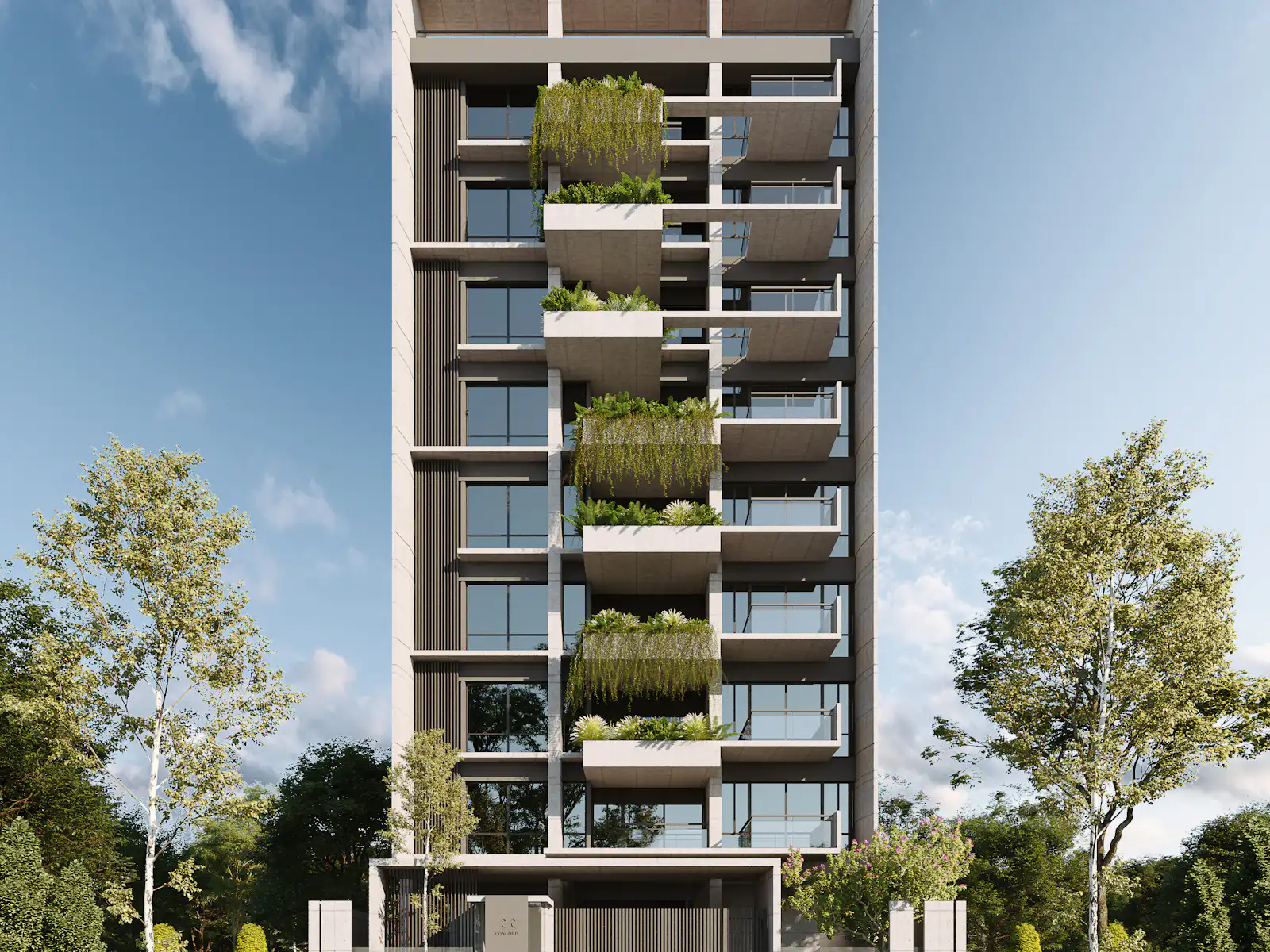
A property developer sells apartments that often don't exist yet. Buyers can't walk through them. So the website has to do a large part of what a show apartment would otherwise do. Where is the apartment in the building, how is it laid out, how much light does it get, is it still available?
A PDF price list answers only one of those questions. An interactive apartment finder answers all of them, without a call to your sales team. This article explains how it works, what it requires and when a 2D version is enough.
Project website and company website
Your company website presents you as a developer: references, team, approach, past projects. A project website presents a single residential project: location, architecture, apartments and schedule. Mixing both on one site makes both unclear.
| Company website | Project website | |
|---|---|---|
| Audience | Partners, landowners, investors, press | Buyers and agents for this project |
| Goal | Credibility and new opportunities | Selling the apartments |
| Lifespan | Years | Until sold out, then a reference |
| Brand | Company brand | Often its own name and logo |
Portals like ImmoScout24 or Homegate bring buyers. But there, your apartments sit next to those of every competitor. The project website tells the story of the building and shows each unit in context. And the enquiry data stays with you.
How the finder works
- The building appears as a model. Visitors rotate, tilt and zoom it right in the browser.
- Every apartment is clickable. One click moves the camera to the unit.
- The unit shows the facts: floor plan, area, rooms, outdoor space, position in the building and status.
- Filters narrow it down, for example by rooms, area, floor or available units only.
- A shortlist collects favorites. The link goes to everyone involved in the decision.
- A form per apartment sends the enquiry with the unit number.
Where the project allows, the finder adds a sun-position slider, renderings or 360-degree tours. Label renderings clearly as visualizations. The finished building may differ in details.
The technology behind it
The browser draws the model itself, using WebGL and the open-source library three.js. Visitors need no plug-in, and the finder also runs on a phone. There, the controls are designed for touch. The model rotates with one finger without the page scrolling away. Filters and floor plans have their own mobile layout.
The finder is part of the project website, not a separate app. It uses the same domain, the same tracking and the same design. We build the site itself on Next.js. It loads fast and stays readable for search engines, and the model loads afterwards. From you we need floor plans as PDF or DWG, a list of units with area, rooms, outdoor space and price, and any existing renderings. If there is no architectural model, the 3D model is built from the plans.
What it brings a developer
We don't promise sales figures. But these effects follow directly from how it works:
- Fewer routine calls. Availability and plans are answered before anyone calls.
- Better prepared enquiries. The message arrives with the apartment number. Sales calls back with the plan in front of them.
- An up-to-date status. Status and price live in one place. Nobody quotes an apartment that has already been sold. Several sales teams and agents see the same data.
- Insight into interest. Clicks on units can be measured with consent. If an apartment gets few views after a few weeks, review the price or the floor plan.
- Reusable material. The same model produces renderings and camera flights for the brochure, ads and social media.
You change status and prices through a login in the browser. If your sales team uses agent software or a CRM with an interface, the finder can take the data from there. That way nobody maintains it twice.
Campaigns follow the same principle as enquiries. Send ads on Google or Meta straight to the finder or the matching unit, not to the home page. When the enquiry arrives with the apartment number, you see which units the advertising sells.
2D or 3D
| 2D finder | 3D finder | |
|---|---|---|
| Built from | Floor plans | Architectural model or plans, modeled in 3D |
| How the buyer chooses | Pick a floor, click a unit | Rotate the building, click an apartment |
| Effort | Smaller, online sooner | Larger, needs modeling |
| Strong for | Many similar units, a tight schedule | Distinctive architecture, views and terraces, upscale locations |
Start from the project, not from the technology. For a small residential project, a tidy 2D finder often does the whole job. A 3D model pays off where the building itself is the argument.
Frequently asked questions
Yes. The model runs in the browser without an app. It rotates with one finger, and filters and floor plans have their own mobile layout.
No. The model is built from your planning or sales plans. Renderings and camera flights can be created from the same model.
Usually yes. Either as its own page under your domain or embedded in the existing project page. Which route takes less effort depends on what your website runs on.
The website stays online as a reference, with all units marked as sold. For the next project you swap the model and data instead of building from scratch.
The first step
Count how often your sales team was asked last week which apartments are still available. That number shows how much work a finder takes off your hands. What a finder includes for your project is described on the 3D apartment finder page. For what to expect on costs, read What does an apartment finder cost?
Read with AI
Related services
Keep reading
5 min read
Project Website for a New Development: The Checklist
What belongs on the website of a new development, what you need to prepare and what happens after sell-out. A list to tick off.
5 min read
What does a real estate website cost? Agent, developer and project, priced separately
An agent site, a developer site and a project site have different goals and different cost drivers. We price them separately and show where the budget goes.
1 min read
What determines the cost of an apartment finder?
Compare a simple clickable plan with a detailed 3D experience by looking at modelling, unit data, integrations and ongoing operation.