 Shopify integrations: every piece of information has a leading system.
Your shop exchanges data with ERP, PIM, CRM and accounting. We define which system holds which data and in which direction it flows. Then we choose an existing connector or build a custom integration. You see errors before customers notice them.



Which systems we connect
| Area | Examples | Typical data |
|---|---|---|
| ERP and inventory management | SAP, Microsoft Dynamics 365 Business Central, Oracle NetSuite, Xentral, JTL-Wawi | Items, prices, stock, orders, invoices |
| PIM | Akeneo | Attributes, variants, texts, media |
| CRM | HubSpot, Salesforce | Customers, companies, orders, consents |
| Accounting (Switzerland) | bexio, Abacus | Invoices, payments, receivables |
Examples, not a list of ready-made connectors. Which API and connector fits your version, we check in the project.
What your next website could look like
See all work →What we define before building
- Data objects
- Items, variants, prices, stock, customers, companies, orders, returns. For each object we describe fields and required values.
- Leading system
- Stock usually comes from the ERP, product texts from the PIM. Orders originate in Shopify. Every field has exactly one source.
- Direction and rhythm
- Orders go to the ERP immediately by webhook. We sync prices and stock continuously or at fixed intervals, as needed.
- Matching
- Item numbers, variants and customer numbers must match in both systems. We define the keys up front.
In the intro call we set your goal together.
You learn which first step is worth it for you.
Error cases and monitoring
- Rejected records
- If a required value is missing, the record doesn't sit there silently. It lands in a list with the reason and is retried.
- A system goes down
- If the ERP can't be reached, we collect orders in a queue. They run through once it answers again.
- Overselling
- Stock can change between two syncs. We define how close to zero the shop may sell.
- Notification
- On errors your team gets a message. A log shows which record was transferred when.
How an integration comes about
- Systems and versionsWe check the ERP version, available APIs and existing connectors. Sometimes a standard connector is enough.
- MappingWe assign every field and write down special cases. You approve the mapping.
- Build and testWe build the integration or set up the connector. Testing uses real data in the test shop.
- OperationsAfter launch we monitor syncs and errors. We check new Shopify API versions in good time.
In the intro call we set your goal together.
You learn which first step is worth it for you.
Who this is for
A good fit if
- Your team maintains stock or prices twice today.
- Orders are transferred to the ERP by hand.
- You are moving to Shopify and want to keep the ERP.
Reference websites
Intro call
Let's find out together where your growth gets stuck
- You talk to the team that also does the work. No sales loop.
- You learn which first step is worth it for you.
- If your question fits another specialist better, we'll tell you.

Start a project
What you probably want to know
A connector is quicker to set up if it covers your processes. A custom integration pays off with special cases or many data objects. We compare both against your mapping.
Usually the system where the data originates. So stock and prices in the ERP, product texts in the PIM, orders in Shopify. What matters is that each field has only one source.
That depends on ERP and sync. A sync on every change or at fixed intervals is possible. We set the rhythm according to your range.
The shop keeps selling. Orders wait in a queue and run through later. Your team gets a message.
Yes, bexio or Abacus for example. We first check the available interface and your processes for invoicing, VAT and incoming payments.
Keep reading
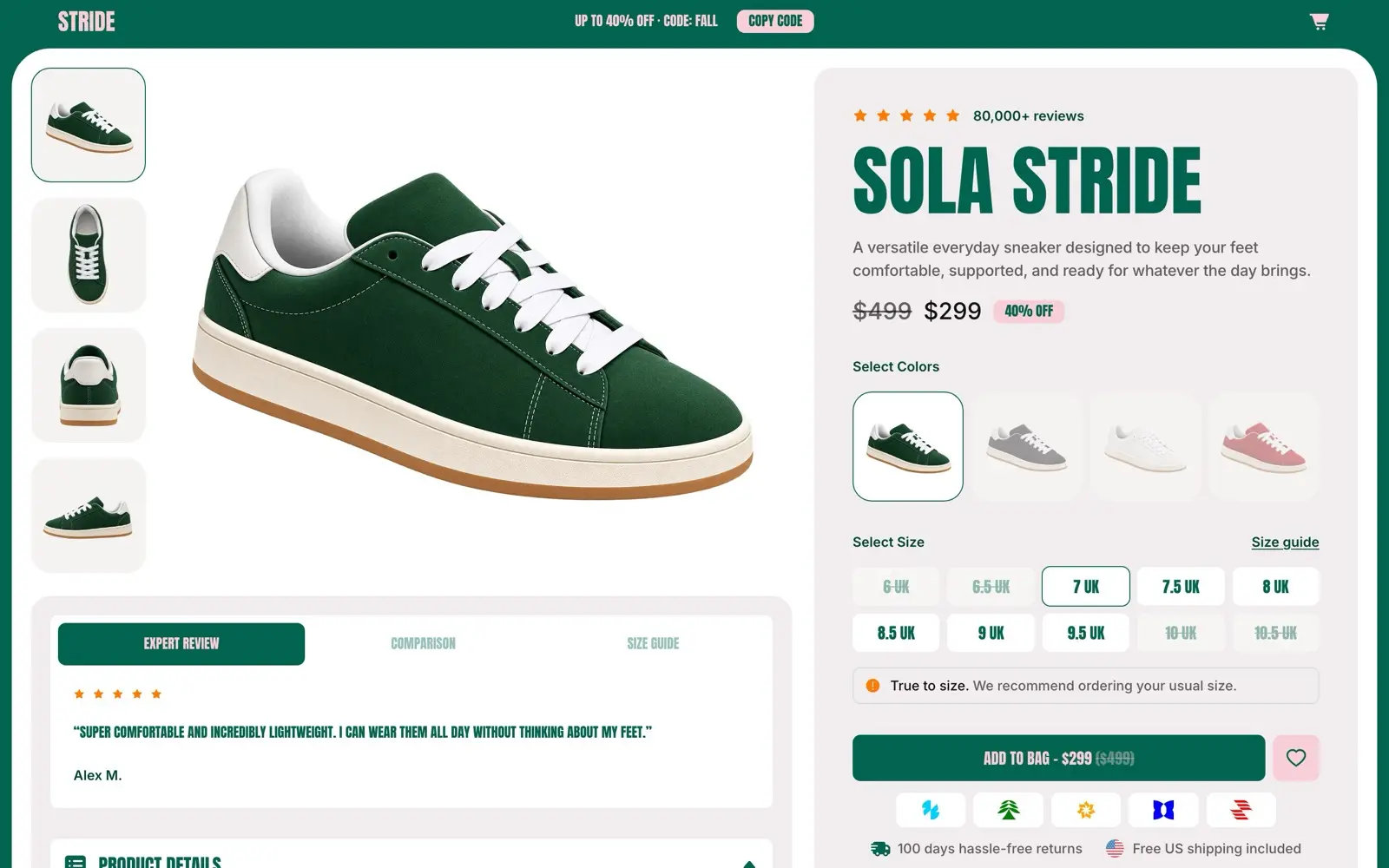 Shopify PlusWhen Plus pays off, what it costs and how we introduce it.
 Shopify B2BCompany accounts, price lists and payment terms for retailers and large customers.
 ShopifyPlan, build and connect shops. From the first theme to Plus, B2B and headless.
 Shopware to ShopifyYour shop keeps selling, customers and rankings move with it.
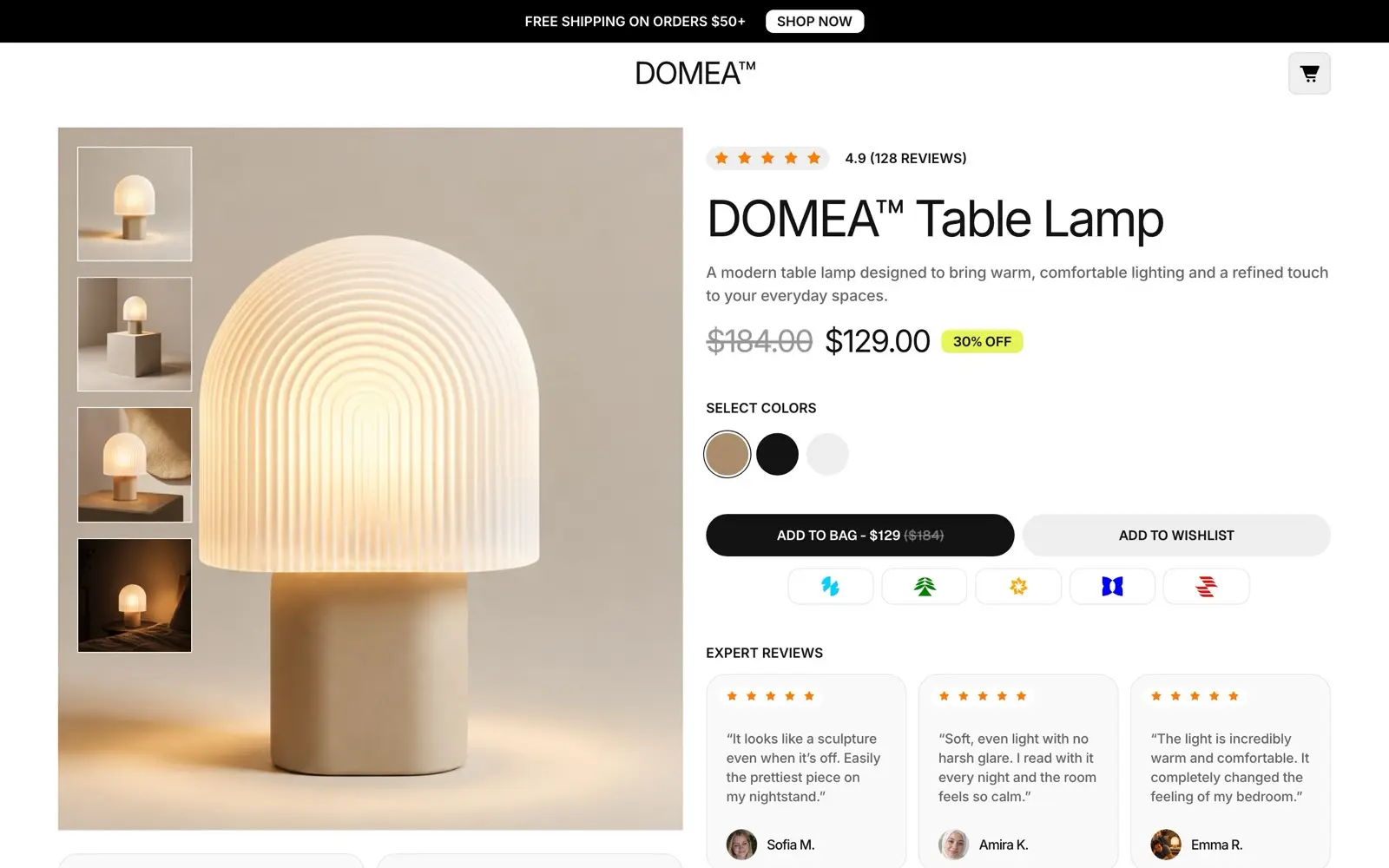 MigrationsWebsites to Next.js, online shops to Shopify. Every URL gets its destination first.