Headless WordPress: your team keeps writing in WordPress, the website becomes fast and secure
With headless WordPress you keep what your team knows and lose what slows you down. Your editors keep writing in the familiar WordPress. Visitors get a fast, secure website, and your Google rankings are preserved during the switch.

What you get
You spare your editors a fresh start and still get a new website. Headless WordPress means: WordPress only manages the content, while the website itself is built separately.
This is what everyday work often looks like before: the page loads slowly on phones, visitors drop off. Every plugin update is a small risk. The theme only allows what it provides, and new layouts need a developer.
What your next website could look like
See all work →After the switch
- Faster pages
- The website loads quickly on phones too. That helps visitors and your Google positions.
- Smaller attack surface
- Visitors no longer reach WordPress directly. The backend can sit behind a login.
- Design without theme limits
- New blocks and layouts are built freely. Your team assembles pages from them itself.
- No training for editors
- You keep managing posts, pages and images as before. The only new thing is a preview link.
In the intro call we set your goal together.
You learn which first step is worth it for you.
Is headless WordPress right for you?
Headless WordPress pays off when your team knows WordPress well and a lot of content lives in it. Then you save training and a large content migration.
It also has a price: you run two parts instead of one, and plugins that change how the page looks no longer take effect. If your WordPress mostly consists of page-builder layouts, switching to another editing system such as Sanity is often the better choice. Then WordPress maintenance disappears entirely. Which way suits you, we tell you after a look at your backend. The complete switch is described in the guide to WordPress to Next.js.
Read more about our migrations in the Migration area.
Why Aqtelo
- The goal is set first
- Together we define what the switch should bring, such as shorter load times or less maintenance.
- Honest recommendation
- If headless WordPress does not suit you, we say so and name the better way.
- One fixed contact
- You talk to one person, in German, English or Portuguese. Experienced specialists work behind them.
- Every address is planned
- Every old URL gets its destination before anything is switched.
- Everything belongs to you
- Code, hosting account, domain and data are in your name.
- We stay on it
- After the switch we watch Google positions and forms until everything runs stably.
How we work together
- Kick-off callWe look into your WordPress and tell you which way suits.
- InventoryWe record content, plugins, forms and every address. After that you receive a fixed quote.
- BuildThe new website is built while the old one keeps running normally. You see interim versions in the browser.
- Switch-overOn a fixed day the new website goes live. Every old address leads to the matching new page.
- Stay on itWe check positions and enquiries in the weeks that follow.
In the intro call we set your goal together.
You learn which first step is worth it for you.
Reference websites
Intro call
Let's find out together where your growth gets stuck
- You talk to the team that also does the work. No sales loop.
- You learn which first step is worth it for you.
- If your question fits another specialist better, we'll tell you.

Start a project
What you probably want to know
That depends on content types, templates and plugins. After the inventory you receive a fixed quote.
That depends on the scope. We set the schedule with a fixed switch-over day after the inventory.
Where possible, addresses stay the same. Changed ones lead to their new page, and titles and descriptions move with it.
Almost nothing. They keep writing in WordPress. The only new thing is the preview link, which shows how a draft looks on the new website.
Keep reading
 WordPress to Next.jsA new foundation for your website.
 WordPress to SanityGive your content a clearer home.
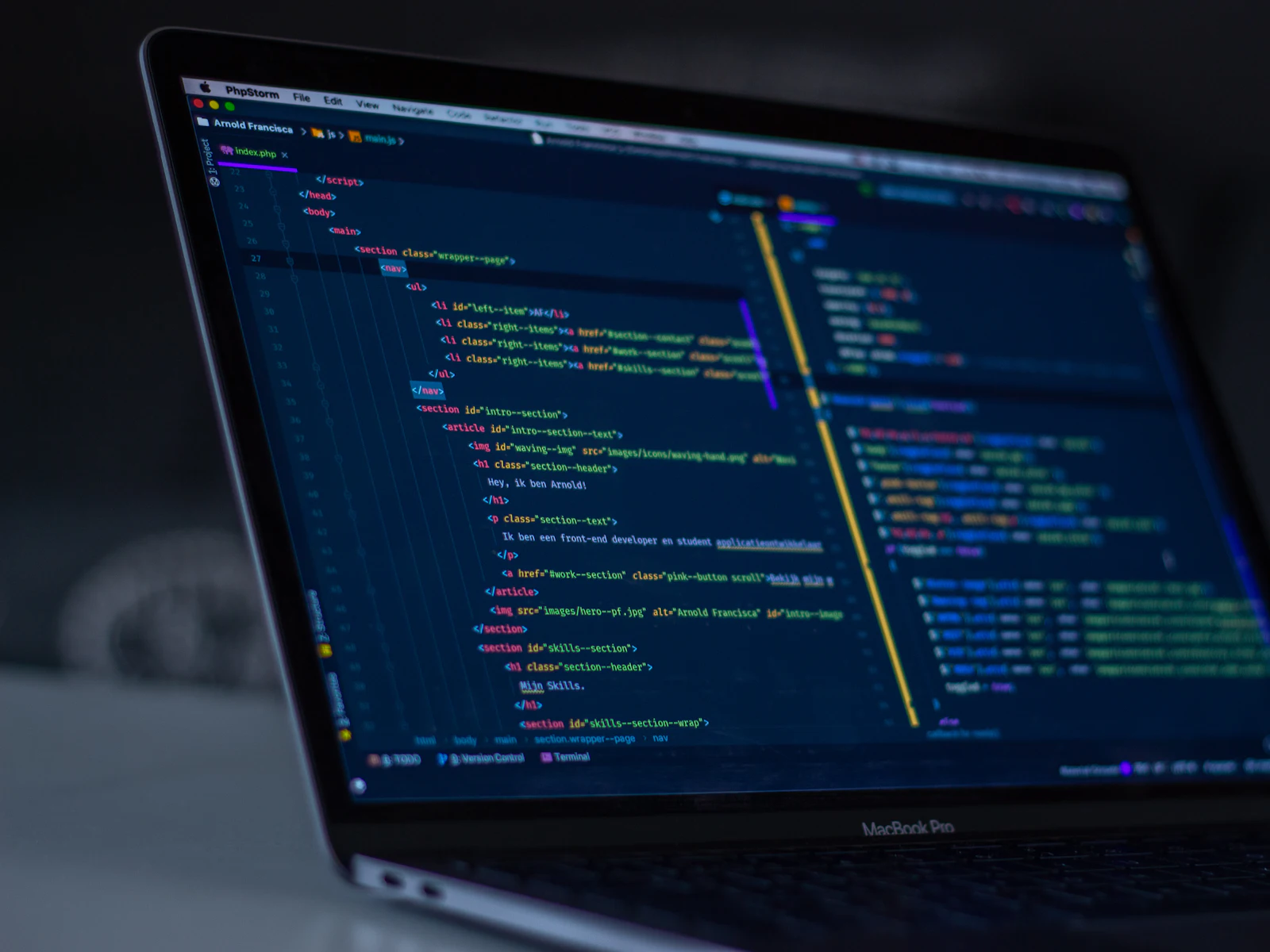 When moving from WordPress to Next.js makes senseJudge a migration by maintenance, editing and business requirements, rather than the age or popularity of the platform.
 Headless CMSWhen a headless CMS makes sense, which one fits and what it costs.
 SanitySanity CMS with its own studio, preview and languages. Set up for your editorial team.