Relaunch Without Losing SEO: How to Keep Your Rankings When You Start Over

Aqtelo teamDesign and engineering team
- Published
- Focus
- Germany, Switzerland
- Reading time
- 6 minutes
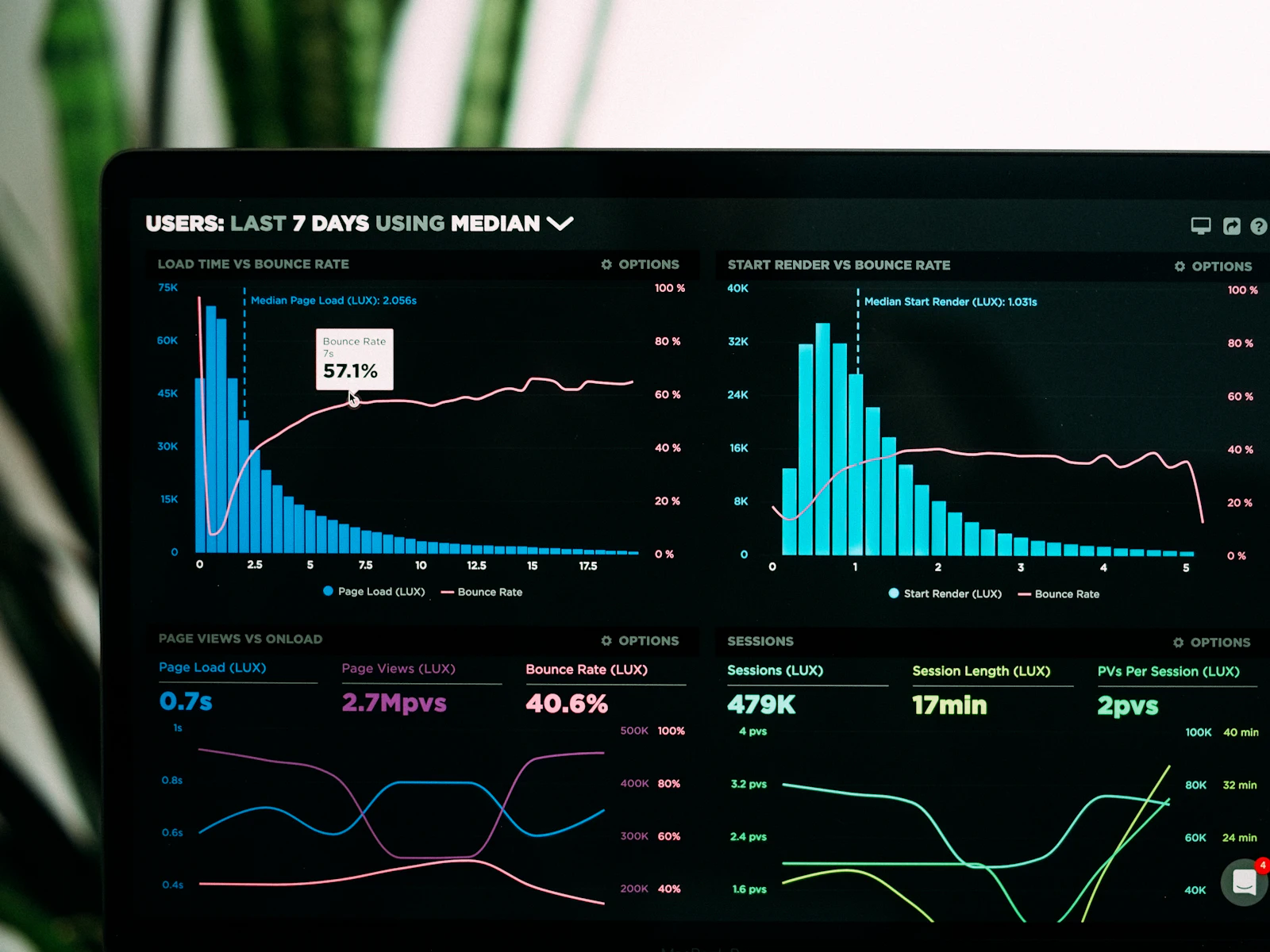
In a relaunch, many companies lose traffic they built up over years. The new site is rarely worse. Usually it is faster, clearer and better looking. Google just no longer finds the pages that used to rank.
The addresses changed, the redirects are missing, or the text that answered a search query was dropped in the redesign. The process below prevents that. It is not complicated. But it has to start before the design, not in the week before launch.
Why relaunches lose traffic
Google ranks individual URLs, not your brand. If /leistungen/wartung has ranked for years and the new page is called /service, Google does not know it at first. Without a redirect, the old address returns a 404 error. The page drops out of the index, and links to it lead nowhere.
Almost every loss traces back to one of these causes:
- Missing or wrong redirects. Old URLs end in a 404, or everything points to the home page.
- Deleted content. Texts were shortened, and the paragraphs that matched search queries are gone.
- noindex stays active. The test environment's block went live with the launch.
- New titles without search terms. The text sounds better but no longer contains the words people search for.
- Broken internal links. Menu and body text still point to old addresses.
- Slower pages. Heavy videos or scripts drive up load time, especially on mobile.
All six can be avoided. You need a plan and someone who checks the details on launch day.
URL inventory first
Before anyone designs a page, secure everything the old website has. This list is the basis for the redirects. It comes from four sources:
- A crawl of the live site. Every URL with status code, title, meta description, H1 and canonical.
- Google Search Console. Under "Performance", the pages sorted by clicks over the last twelve months.
- Sitemap and content management system. Pages without links, old blog posts, PDFs and images with traffic.
- Backlinks. Which URLs other websites link to. Search Console shows this under "Links".
All of this goes into one spreadsheet, one row per old URL, plus clicks and backlinks. You then see which few pages bring most of the traffic. Exactly these pages get the most attention in the redesign. Also keep the crawl export and screenshots of the top pages.
The redirect list
The list has two columns: old URL, new URL. Every old URL with clicks, backlinks or a sitemap entry gets a row. These rules apply:
- 301 or 308 instead of 302. For a move, Google recommends permanent redirects on the server.
- To the best-matching page. If a service page was merged into a larger one, the redirect goes there. Many redirects to the home page are treated by Google much like 404 errors.
- No chains. The old URL points directly to the target. Redirects from the last relaunch now also point directly to the new address.
- One version of the domain. Decide on https and on www or without. Every other version redirects in one step.
- What is truly gone may be gone. A page with no traffic, no links and no successor may return 404 or 410.
In Next.js, the redirects live in the project configuration and go live with the site. That way they are versioned and do not get lost in a hosting panel. For online shops the list gets longer: products, categories, filter URLs and images.
Keep the content that ranks
A relaunch is a good time to improve texts. It is a bad time to throw away what works. For each top page, check before rewriting:
- Which search terms bring this page clicks? Search Console shows this under "Queries", filtered by page.
- Do these terms appear in the title, the H1 and the first paragraphs? Then they stay there.
- Which sections answer concrete questions about price, process or location? They stay, also in the new layout.
Shorter is not automatically better. If the old page answers ten questions and the new one only has slogans, rankings follow the answers. Good design makes long content readable. It does not replace it. You can gain with clearer headings, an FAQ and pages that AI searches can quote. More on this in Getting recommended in ChatGPT.
Test environment and noindex
During development, the new site runs on a test address. It must not show up in Google and is therefore blocked. That is right. It becomes dangerous when the block goes live with the launch.
A noindex on the live site tells Google to remove all pages from the index. A block in robots.txt prevents crawling altogether. Then Google does not even see your redirects. So protect the test environment with a password instead. Right after launch, check the source of three pages for noindex and open /robots.txt.
Launch day
Go live at the start of the week, not on Friday afternoon. Then, in this order:
- Publish the new site with active redirects.
- Remove noindex and the robots block, and check the live robots.txt.
- Run the list of old URLs through a crawler. Each must lead via 301 to a page with status 200.
- Check canonicals: every new page points to itself, not to the test domain.
- Submit the new sitemap in Search Console.
- With a new domain, use the Change of Address tool in Search Console. It is only meant for a switch of domain or subdomain.
- Test analytics, cookie banner, forms and conversion tracking on the live domain.
- Update your own links: business profiles, social media, directories, email signatures.
The weeks after
Google does not process a relaunch in a day. According to Google, for small and medium websites most pages move within a few weeks. Rankings fluctuate during this time. A drop that keeps growing after the second week, however, is a warning sign.
| When | What you check | Where |
|---|---|---|
| First days | 404 errors, redirects, noindex, forms, tracking | Crawler, URL inspection, analytics |
| Week 1 to 2 | Indexing of the new URLs, crawl errors, sitemap | Search Console: Pages, Sitemaps |
| Week 2 to 6 | Clicks and positions of the top pages compared to before | Search Console: Performance |
| After that | Remaining 404 errors with backlinks, keep redirects active | Search Console, project configuration |
Compare page by page, not just total traffic. If a service page has lost much of its clicks, a redirect or a text section is usually missing. Fix it in the same week. The longer a page stays broken, the slower it recovers.
Frequently asked questions
Google recommends at least a year. We keep them active permanently, because old links and bookmarks still bring visitors years later.
You can, but every change raises the risk. Keep URLs that work wherever possible. How a platform switch works is covered in WordPress to Next.js and Webflow to Next.js.
A language folder also changes URLs. Every old address needs its redirect, and hreflang must point to the right page pair. For Germany and Switzerland, it is worth asking whether you need separate versions for de-DE and de-CH.
Only once the new site has settled. Until then, keep access to the old system and an archive of the content.
The first step
Export the pages from Search Console today, sorted by clicks over the last twelve months. This list is your baseline. Without it, you cannot say after launch what changed. How we plan a relaunch is described under Website relaunch.
Read with AI
Related services
Keep reading

6 min read
Framer Alternative: Which Path Fits Your Website
Webflow, WordPress, custom code or Wix and Squarespace: who maintains the site, what happens to your rankings and what do you own? The comparison by what counts in daily work.
6 min read
Shopify or WooCommerce: Which Online Shop Fits Your Business?
A sober comparison for merchants in Germany and Switzerland: who takes care of what, where the data sits and when each system fits.
1 min read
WordPress, Webflow or Next.js: choose the right foundation
Choose a website platform around editing, functionality, ownership and the team that will maintain it over the next few years.